Before during and after
How to add a before during and after row
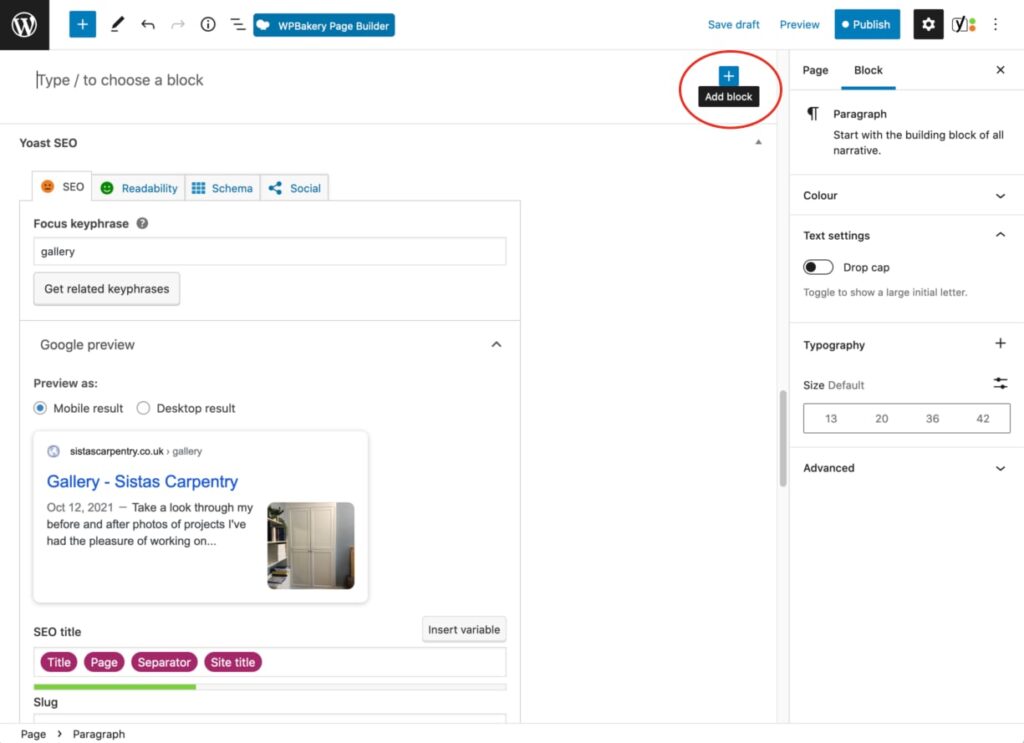
To add a ‘Before During and After’ row to your gallery you’re going to use a reusable block called ‘before during after’! Click on ‘Add block’
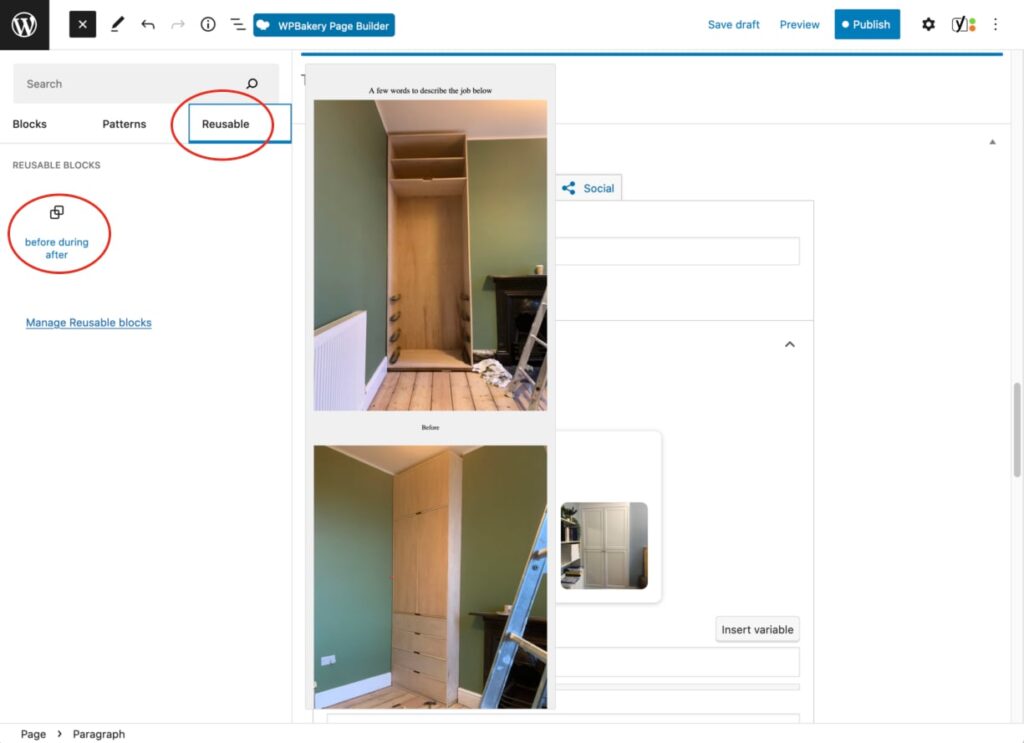
Find the reusable block
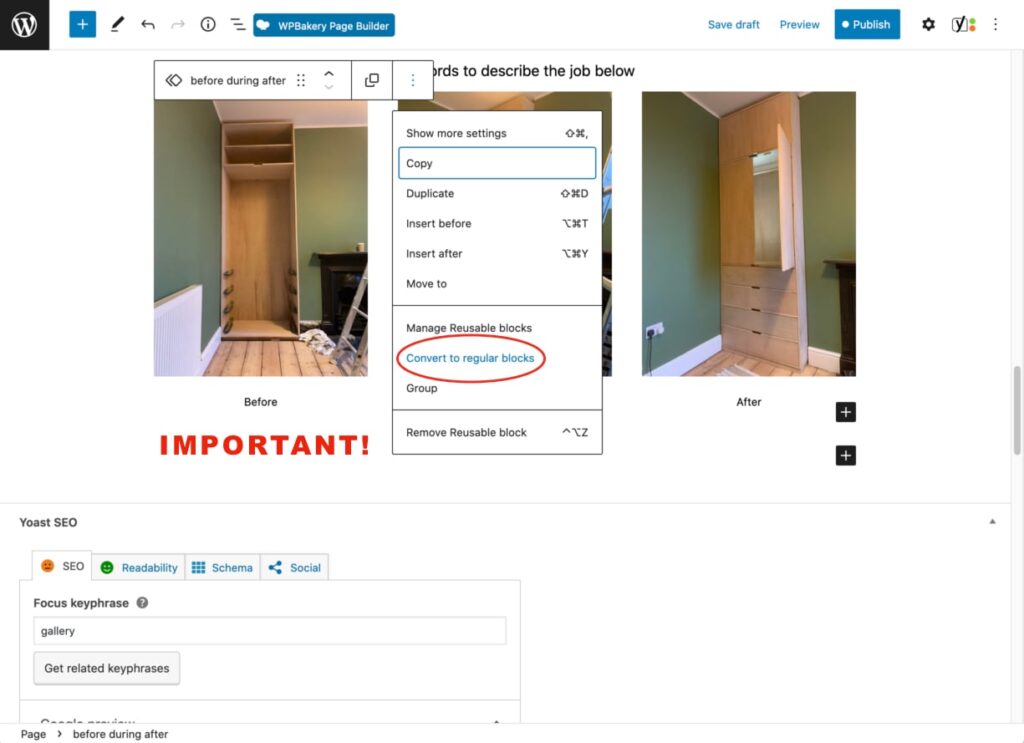
IMPORTANT! You must convert your block to a regular block BEFORE making any changes!
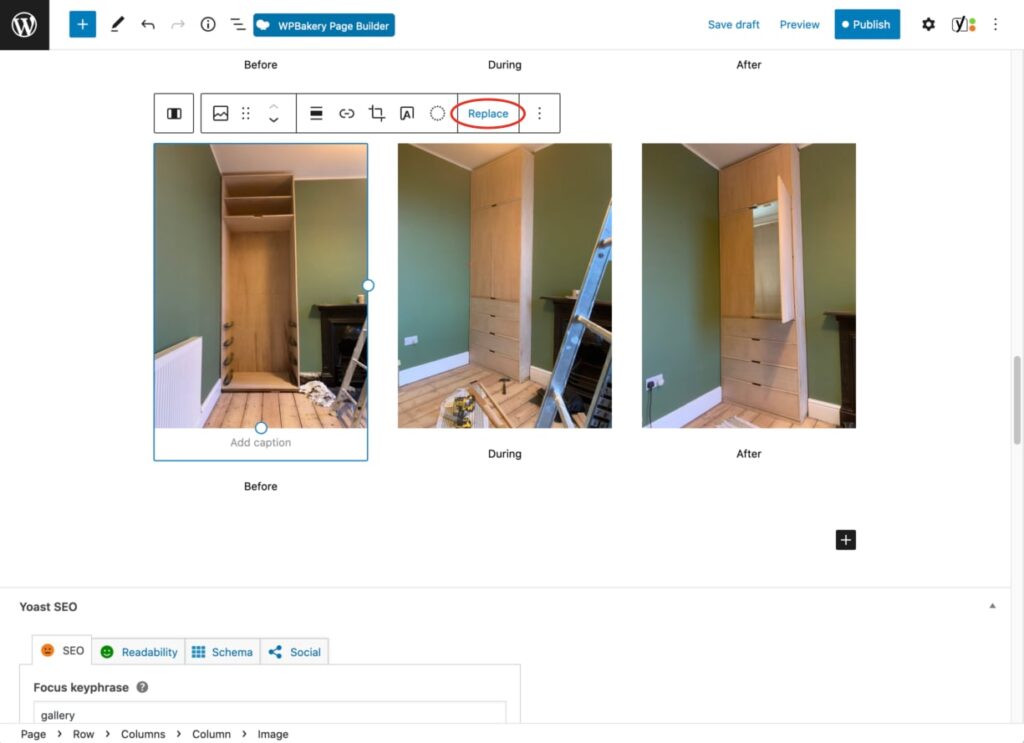
Once converted, you can replace the images and change the description
To help identify what you’re selecting use the List View
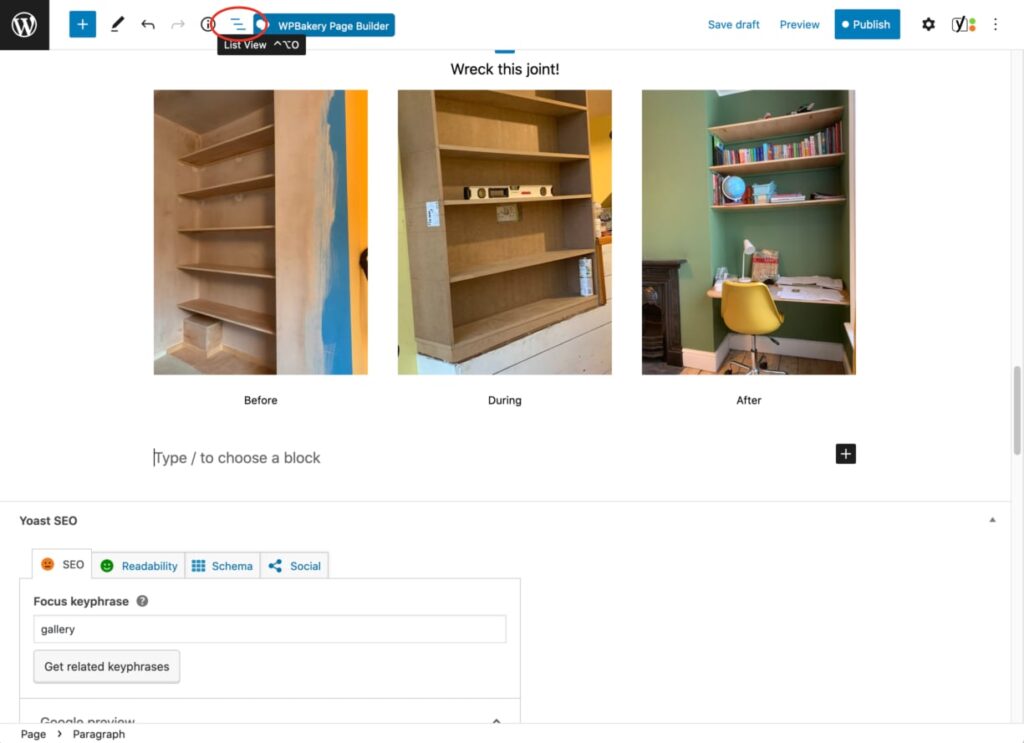
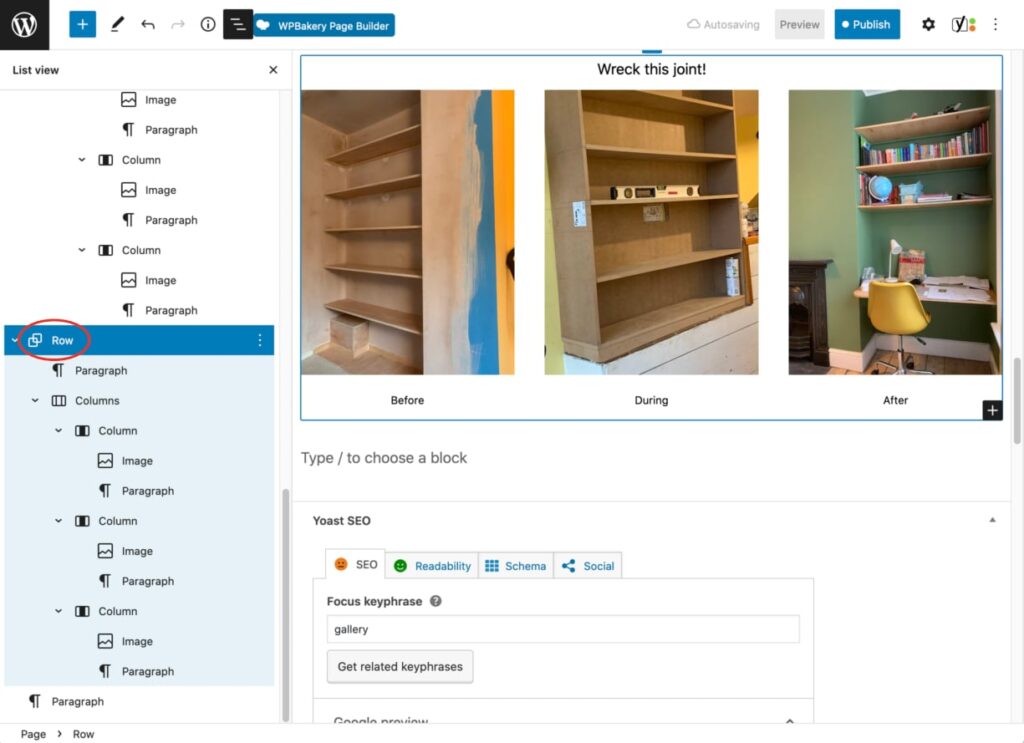
You can select the block you want, making it easier to edit and move
Don’t forget to save your work